How Automatic Transfers Make Saving Less Dramatic
A short guide to using automatic transfers so saving happens before the day gets busy and the cash disappears.
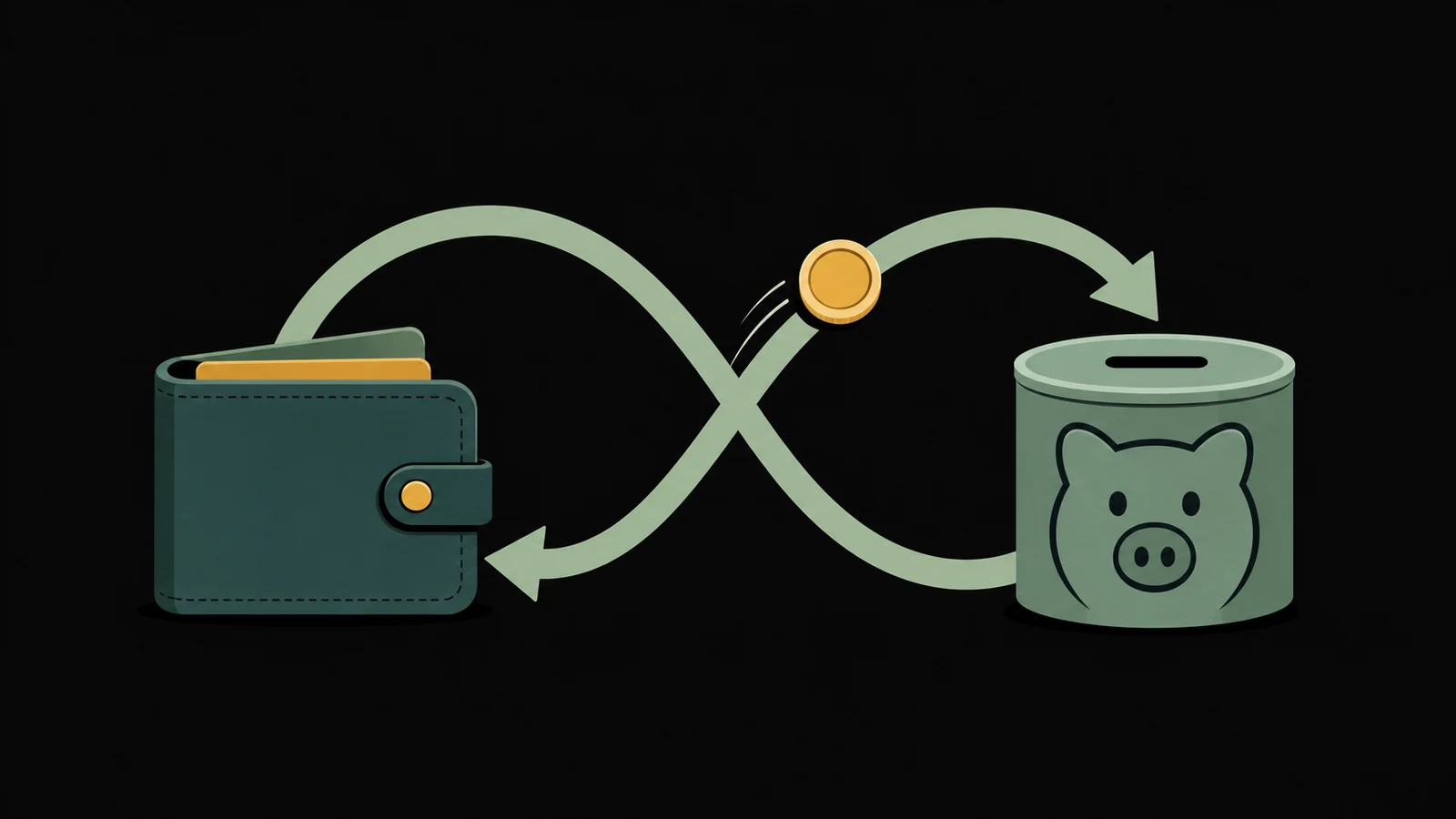
Automatic saving has one great advantage:
It moves the transfer before your day gets a vote.
Your day has opinions. Your day wants coffee, lunch, a last-minute Target run, and a subscription you forgot was still doing cardio on your bank account.
Automation is not magic. It is just a way to make the good decision happen earlier.
If saving manually keeps slipping, that does not mean you are bad at saving. It may just mean the system is asking you to make the same decision too many times.
The Problem With Manual Saving
Manual saving sounds reasonable.
You get paid. You pay bills. You spend carefully. Then you save whatever is left.
The problem is the last part. “Whatever is left” has a habit of becoming nothing, not because you are careless, but because life is noisy. Food costs more than expected. Gas does its little magic trick. A friend has a birthday. A school thing appears. The week gets a little too week-like.
Automatic transfers flip the order.
Instead of saving what is left after spending, you save a chosen amount first. Then the rest of the plan adjusts around the cash that remains.
Start Smaller Than You Think
The best automatic transfer is the one that does not cause a new problem.
If $100 every payday makes your checking account wobble, do not start there. Try $10, $15, or $25. You can raise the amount later.
This is especially useful when you are building a starter cushion. A tiny transfer that keeps happening can be stronger than a bold transfer you cancel after one stressful week.
Think of it like saving $5 a day. The number is not the flex. The repetition is.
Match The Transfer To Payday
Timing matters.
Set the transfer soon after payday, but not so close that it collides with rent, utilities, or other required bills. For many people, the best timing is the day after a paycheck clears.
If your income is irregular, automation can still help, but it may need a softer setup. You might schedule a small monthly transfer and then make extra manual transfers after larger checks.
The rule is simple: automate the part you can trust.
Give The Account A Name
Do not send automatic savings into a mystery bucket.
Name the account or bucket after the job:
- Starter Cushion
- First $500
- Car Repair
- Medical Buffer
- Future Rent
This gives the transfer a reason. It also makes the savings harder to spend casually. “I moved $25 into savings” is fine. “I moved $25 into Car Repair” is clearer.
Clear beats vague.
Watch For Overdraft Risk
Automation should make saving easier, not more expensive.
Before setting a transfer, check your normal bill timing and account cushion. If the transfer might trigger overdrafts, late bills, or credit card spending, lower it.
There is no prize for setting an automatic transfer that your real life cannot support.
The win is a system that works during a normal week.
When To Raise The Amount
After the transfer runs successfully for a month or two, review it.
If checking feels stable and the savings goal matters, raise the amount a little. If the transfer created stress, lower it. If your income changes, update it.
Automation is not a set-it-forever machine. It is a set-it-and-check-it system.
Try This
Choose one savings job and one amount.
Then schedule the transfer.
It can be $5. It can be $10. It can be whatever amount you can repeat without making the rest of the week harder.
The point is to make saving less dramatic. Quiet transfers still count.